
Plumbing Dispatch Software for Service & Emergency Plumbers | PreDispatch
Industry · Plumbing

Plumbing Dispatch Software for Service & Emergency Plumbers

Modern plumbing dispatch software helps plumbing companies manage service requests, technician dispatching, customer communication, payments, and emergency calls more efficiently. PreDispatch helps plumbing businesses reduce cancellations, collect payments before dispatching plumbers, and streamline operations from one modern field service software platform.

Plumbing operations hub For owners, dispatchers, and techs Updated for 2026
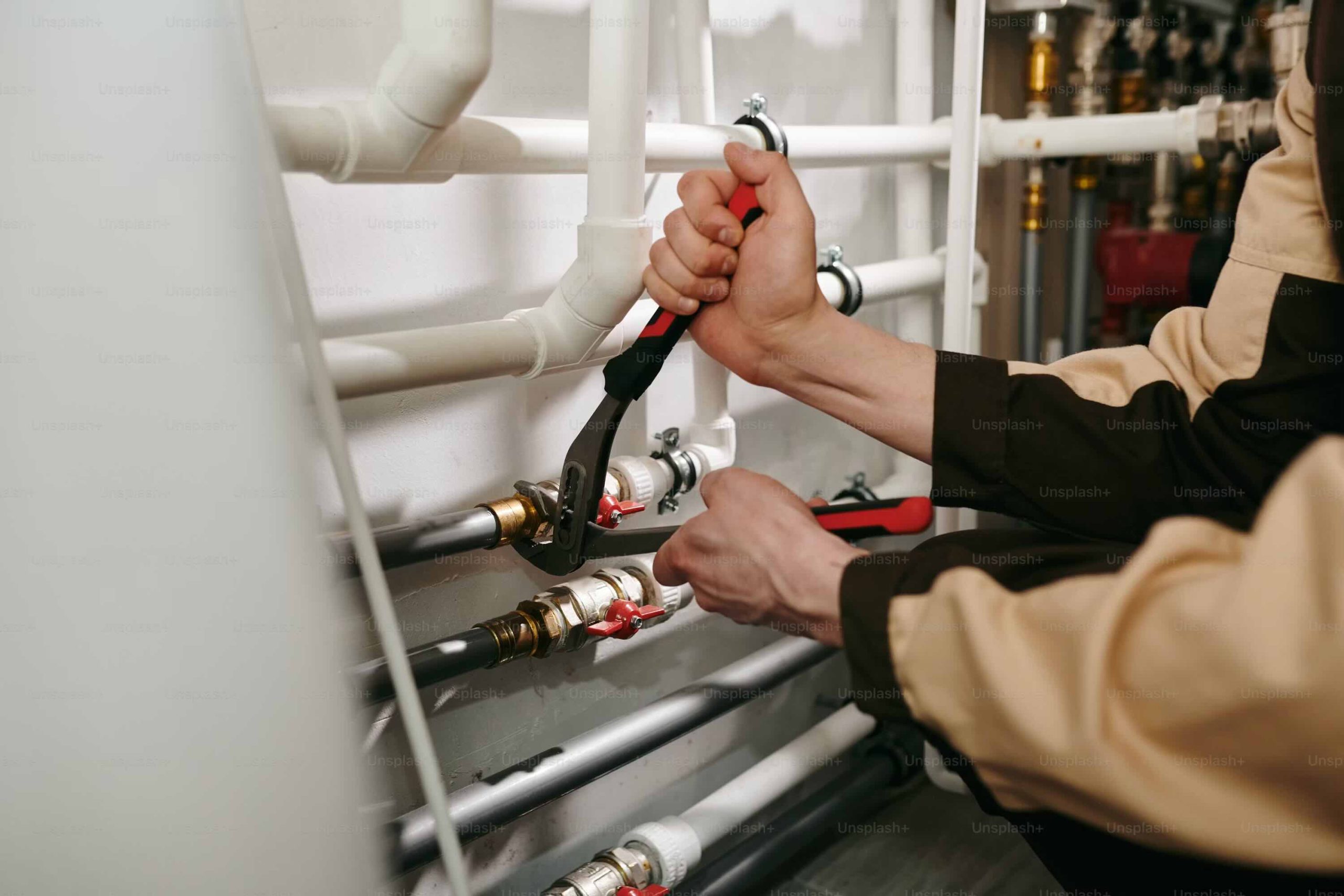
Plumber working on a residential emergency service call

What is plumbing dispatch software?

Plumbing dispatch software is the system that decides which plumber goes to which job, when, with what information, and whether the customer has actually committed before a truck leaves the shop. For a plumbing company, it replaces the dispatcher’s whiteboard, the group text thread, and the scheduling guesswork — and ties the whole thing to payment.

Plumbing runs as two businesses under one roof. There’s service & repair — drain clogs, water-heater swaps, leak repairs, fixture installs, where the customer relationship is the asset — and emergency dispatch — burst pipes, flooded basements, sewer backups, where the customer is stranded, panicked, and calling five plumbers at once. The two sides need different scripts, different pricing, and different software behavior. Purpose-built plumbing dispatch software is what lets one team run both without dropping calls.

The plumbing reality

On the emergency side, whoever confirms and rolls a truck first wins the job — everyone calling after that is quoting against a plumber already en route. On the service side, the relationship and the follow-up are what keep the customer. Your software has to be good at both.

This page is the plumbing industry hub. It covers the operational levers that move the needle for a plumbing business — faster dispatch, fewer cancellations, prepaid emergency calls, after-hours workflows, live tracking, and job management — and links out to the deeper guides for each.

Dispatch plumbers faster and more efficiently

On an emergency plumbing call, speed wins. A homeowner with water spreading across the floor isn’t waiting for a callback — they’re dialing down a list. The shop that confirms and dispatches first keeps the job. Plumbing dispatch software compresses the intake-to-dispatch window so your team books the call before the competition picks up.

1

Capture the call in seconds

Address, problem (clog, leak, no hot water, sewer backup), and urgency captured on one screen. Repeat customers load their service history automatically.

2

Assign by proximity & skill

The board surfaces the closest available plumber with the right skill set for the job. The dispatcher accepts the suggestion or overrides it — one tap, no phone tag.

3

Push the job to the tech

Full job ticket — address, ETA, customer contact, notes, photos — lands on the plumber’s phone. Status flows back to the board without a single “where are you” call.

The payoff is throughput. When intake drops from minutes of scribbling to under ninety seconds, a single dispatcher can run more trucks on the busiest days without dropping calls. See how this works across any trade in our dispatch software hub, or read the deep dive on technician management.

Reduce plumbing cancellations and self-resolve loss

Plumbing has a problem most trades don’t talk about: the call that resolves itself while the truck is rolling. A clogged drain clears. The water-heater pilot relights. The homeowner’s brother-in-law “knows a guy.” By the time your plumber arrives, the customer waves them off — and you’ve burned fuel, time, and a booking slot you could have given a paying job.

~25%
of drain-clog calls clear themselves while the truck is en route, by most operators’ estimates
$80+
typical sunk cost of a dead-run service call once fuel, time, and the missed booking are counted
0
dead-run calls once a deposit is required before the truck leaves the shop

Dispatch first, hope to collect

  • Truck rolls on a verbal “yes”
  • Customer keeps shopping competitors
  • Drain clears itself — call dies en route
  • Plumber argues over price on the doorstep
  • Dead runs written off quietly every week

Confirm with a deposit, then roll

  • Service-call fee collected before dispatch
  • Payment is the customer’s commitment
  • Tire-kickers filter themselves out
  • Price is settled before the truck moves
  • Every dispatched call is a paid call

The moat

Most plumbing software helps you schedule and invoice. It does nothing about the call that evaporates before arrival. Requiring a deposit before dispatch is the single change that eliminates dead runs and self-resolve loss — and it’s the workflow PreDispatch is built around.

For the full playbook on why customers bail and how to stop it, read how to reduce cancellations in field service.

Collect payments before dispatching plumbers

Prepaid dispatch is simple in practice: quote the service-call fee, send the customer a payment link by text, and let the deposit clear before the job can be marked dispatched. The truck physically cannot be assigned as “en route” until money is in — so a dead run is structurally impossible on emergency and service calls.

How prepaid dispatch works on a plumbing call

Dispatcher quotes a $99 diagnostic fee → customer taps the SMS link and pays by card or Apple Pay → the job flips to “Paid,” the closest plumber gets the ticket, and the repair balance is collected on-site at completion. No payment, no dispatch.

Keep your recurring and membership work flexible

Prepaid is best for first-time and emergency calls, where the customer is unknown and the cancellation risk is high. For maintenance-plan members and trusted repeat accounts, you can waive the deposit gate — the relationship already vouches for the booking. Tag the customer type at intake and the deposit logic adjusts itself, so you protect revenue on risky calls without adding friction for loyal customers.

Dig into the mechanics in our guides on customer payment workflows and collecting payments before dispatch.

Emergency plumbing dispatch workflows

Emergency plumbing is its own discipline. A burst pipe or sewer backup is actively causing damage with every minute that passes, the customer is anxious, and they are almost certainly calling other shops at the same time. A dispatch workflow built for emergencies handles the urgency without sacrificing the controls that protect your revenue.

  • Triage the severity. Burst pipe, sewer backup, no water, no hot water, and a slow drip each carry different urgency, pricing, and skill requirements — sorted at intake, not on the doorstep.
  • Confirm and collect fast. The prepaid link goes out in the same breath as the quote, so commitment and dispatch happen together while the customer is still on the line.
  • Set a live ETA. The customer sees the plumber moving on a map, which calms the panic and cuts the anxious callbacks that tie up your dispatcher.
  • Capture the scene. Photos and notes from intake travel with the job, so the plumber arrives knowing what tools and parts to bring.

For the cross-trade version of this playbook, see how to manage emergency service calls efficiently.

Real-time technician tracking and status updates

Once a truck rolls, the dispatcher’s job shifts from assigning to monitoring. Real-time tracking turns the dispatch board into a live picture of the whole crew — who’s en route, who’s on site, who’s wrapping up and ready for the next call — so your team manages exceptions instead of chasing updates.

30–40%
fewer inbound “where’s my plumber” calls when customers get a live tracking link
5
job states every board should show: pending, paid, en-route, on-site, complete
1 tap
for a plumber to update status from the field — no calls back to the office

Live status also feeds your numbers: average response time, time-on-site, and tech utilization all fall out of the tracking data automatically. Those are the metrics that tell you whether you need another truck or just a tighter dispatch process.

Customer payments, quotes, and plumbing job management

The dispatch board is only half the job. The other half is everything that turns a completed repair into clean revenue: the on-site quote, the deposit, the balance, the photos, the signature, and the record that holds up if a customer disputes the charge weeks later. Good plumbing software keeps all of it attached to the job.

1

Quote on the spot

Send a clear, itemized quote by text before the work starts — diagnostic fee, parts, labor, after-hours surcharge. The customer approves it from their phone.

2

Collect deposit, then balance

Deposit clears before dispatch; the remaining balance is collected on completion by card, Apple Pay, or tap. No chasing invoices after the fact.

3

Document the job

Before-and-after photos, signature on the work order, and a timestamped record — the paperwork that protects you on warranty and payment disputes.

See how the money side works end to end in our customer payments guide, and how to send approvable quotes in online quotes customers approve.

Why PreDispatch is different from traditional plumbing software

Most plumbing platforms — ServiceTitan, Jobber, Housecall Pro, Workiz — are built around scheduling, CRM, and invoicing for the recurring-service side of the business. They do that well. What they don’t do is protect the revenue on your emergency and first-time calls, because they assume a job that’s booked is a job that will happen. PreDispatch starts from the opposite assumption: on an emergency call, the booking is the risk.

Capability Traditional plumbing software PreDispatch
Scheduling & CRM Yes Yes
Recurring / membership plans Yes FlexibleWaive the deposit for trusted members
Payment before dispatch NoPay-after, or a Stripe add-on you maintain NativeTruck can’t roll until the deposit clears
Cancellation & self-resolve protection No Built in
Setup time Days to weeks An afternoon

The bottom line

Competitors optimize the schedule. PreDispatch optimizes the revenue — by making sure a truck never rolls on a call that won’t pay. Run prepaid on emergency and first-time calls, keep your members frictionless, and protect every booking that carries real cancellation risk.

Compare your options head-to-head: see all features, view pricing, or walk through how it works.

Plumbing dispatch built to protect every booking.

PreDispatch’s prepaid workflow handles emergency and first-time calls without the self-resolve loss — so every truck you roll is a paid call.

FAQs

Common questions about plumbing dispatch software

What is plumbing dispatch software?

Plumbing dispatch software is the system a plumbing company uses to take service and emergency calls, assign the right plumber, track trucks in real time, and handle customer payments — all in one place. The best plumbing dispatch software also collects a deposit before the truck rolls, which eliminates dead runs and self-resolve loss on first-time and emergency work.

How does prepaid dispatch work for a plumbing company?

The dispatcher quotes the service-call or diagnostic fee and texts the customer a payment link. Once the deposit clears, the job flips to “paid” and the closest plumber gets the ticket — the truck can’t be marked dispatched until payment is in. The repair balance is collected on-site at completion. Maintenance-plan members and trusted repeat accounts can be exempted from the deposit gate.

Does this work for both service and emergency plumbing?

Yes. You tag the customer and call type at intake. First-time and emergency calls run through prepaid dispatch to protect against cancellations and self-resolve loss; members and recurring accounts can skip the deposit gate. You get protection where the risk is highest without adding friction for loyal customers.

How is this different from ServiceTitan or Housecall Pro?

Traditional plumbing software focuses on scheduling, CRM, and invoicing for the recurring-service side. PreDispatch focuses on revenue protection — collecting payment before a truck rolls so cancellations and dead runs stop costing you money. You can run it alongside the scheduling tool you already use, or as your primary dispatch tool for the emergency side.

How long does it take to set up?

An afternoon. Connect your payment processor, import your customer list, set your first-time vs. member tags, and train your dispatcher on the prepaid flow. There’s no multi-week implementation project.