

Key Takeaways
Field service management software centralizes business operations, providing owners with tools to handle scheduling, technician tracking, and mobile communication. This guide outlines how these systems simplify complex workflows to improve overall performance.
- It bridges the gap between field technicians and office dispatchers to prevent communication breakdowns.
- Real-time data access allows teams to manage inventory and update job statuses immediately.
- Automation reduces manual administrative tasks, saving dozens of hours each week for service companies.
- Customers benefit from accurate appointment windows and clear notifications about technician arrival times.
- Choosing the right software requires balancing ease of use with the specific integration needs of your business.
The core functionalities of field service management software
Modern field service teams rely on specialized software to maintain control over daily tasks performed away from the office. By centralizing core operations, such platforms simplify the coordination of mobile crews, ensuring that resources are allocated with precision across multiple job sites. This digital shift helps business operators move away from disjointed spreadsheets and fragmented communication methods, fostering a more unified approach to service delivery. Learn the basics by consulting a Field Service Management guide.
Automated scheduling and dispatching
Automated systems assign tasks based on technician availability, skill set, and proximity to the job site. By removing the guesswork from manual dispatch, companies can ensure the most qualified individual reaches the destination on time, optimizing the entire daily workflow without constant office intervention.
Real-time technician tracking and GPS integration
GPS integration provides managers with clear visibility into where field assets are located at any given moment. This level of oversight allows offices to provide accurate arrival estimates to clients and adjust schedules quickly if unexpected traffic or site delays occur.
Mobile accessibility for field staff
Giving technicians access to a mobile interface ensures they can view work orders, check client history, and update project notes while on-site. This accessibility prevents information loss and allows for a seamless flow of data between the office and the field, ensuring that documentation is always current.
Inventory and parts management
Keeping track of supplies is a common challenge for businesses that regularly dispatch equipment. These management tools track consumption in real time and automatically flag low stock levels, helping teams ensure they carry the right parts without carrying excess, unneeded inventory.
How FSM software improves operational efficiency
Operating a service business often involves balancing tight margins with the need for high-quality work. Effective software solutions, such as Field Service Management systems, provide the necessary infrastructure to scale operations smoothly by refining how resources are managed from start to finish. Organizations that adopt these tools typically see a reduction in the friction that slows down day-to-day fulfillment.

Reducing administrative overhead through automation
Automation handles the repetitive data entry that consumes valuable office time. By automating booking and invoicing, teams can focus their energy on expanding their service offerings rather than drowning in paperwork.
Minimizing technician travel time and fuel costs
Optimized routing ensures that technicians spend less time behind the wheel and more time completing billable work. A well-organized schedule makes a significant difference in overall fuel expenditure by grouping appointments geographically.
Streamlining communication between office and field
Effective tools ensure that information such as client preferences or unique project requirements flows instantly from the front desk to the technician. This clarity eliminates the back-and-forth phone calls that occur when requirements are misunderstood.
Enhancing first-time fix rates
Using modern platforms to prep technicians with the correct service history and required parts list is essential for high performance. Better preparation directly translates to successful repairs during the initial visit, which is a key metric for many successful businesses like Agentforce.
Below is a comparison of how traditional manual processes differ from automated FSM workflows for standard operations:
| Process Step | Manual Method | Automated FSM |
|---|---|---|
| Appointment Setting | Phone calls | Instant portal booking |
| Tech Dispatch | Paper notes | Dynamic schedule syncing |
| Part Tracking | Mental tally | Real-time digital inventory |
Through this automation, PreDispatch helps businesses standardize their workflows, ensuring that technicians are effectively utilized while maintaining profitability across the board.
Key benefits for customer satisfaction and retention
Providing an excellent service experience relies on clarity and reliability, which are foundational components of a modern customer journey. When businesses implement robust tools to keep clients informed, they build trust that leads to long-term loyalty and repeat service requests.
Providing accurate appointment windows
Customers appreciate transparency regarding when a professional will arrive at their property. By calculating travel and service times accurately, the software provides reliable windows that respect the client’s busy schedule.
Offering real-time technician status notifications
Automated texts or emails that provide status updates reduce the anxiety customers feel when waiting for a service visit. Letting clients know when a technician is on the way enhances their perception of professionalism.
Enabling electronic proof-of-service and signatures
Capturing digital signatures and photos after a job is finished serves as a verified record for both parties. This digital paper trail is useful for settling disputes and ensures that the work performed matches the scope that was originally agreed upon.
Improving the follow-up process and feedback loops
Automated post-service communications allow business owners to gather valuable insights directly from their clients. Collecting this feedback is an essential part of refining operations, as organizations like Zoho CRM demonstrate through their emphasis on continuous improvement.
To improve your overall workflow, consider the following benefits of a digitized service process:
- Improved accuracy in billing and service categorization.
- Reduced wait times for customers requesting urgent help.
- Clearer documentation for liability and insurance records.
- Enhanced reputation through consistent, reliable on-site delivery.
Maintaining these standards allows for better long-term engagement.
Data reporting and performance analytics
Monitoring your business’s health requires more than intuition; it demands access to clear, actionable data. Tracking performance metrics helps identify potential growth areas, allowing managers to allocate labor based on fluctuating demand and actual productivity capacity.
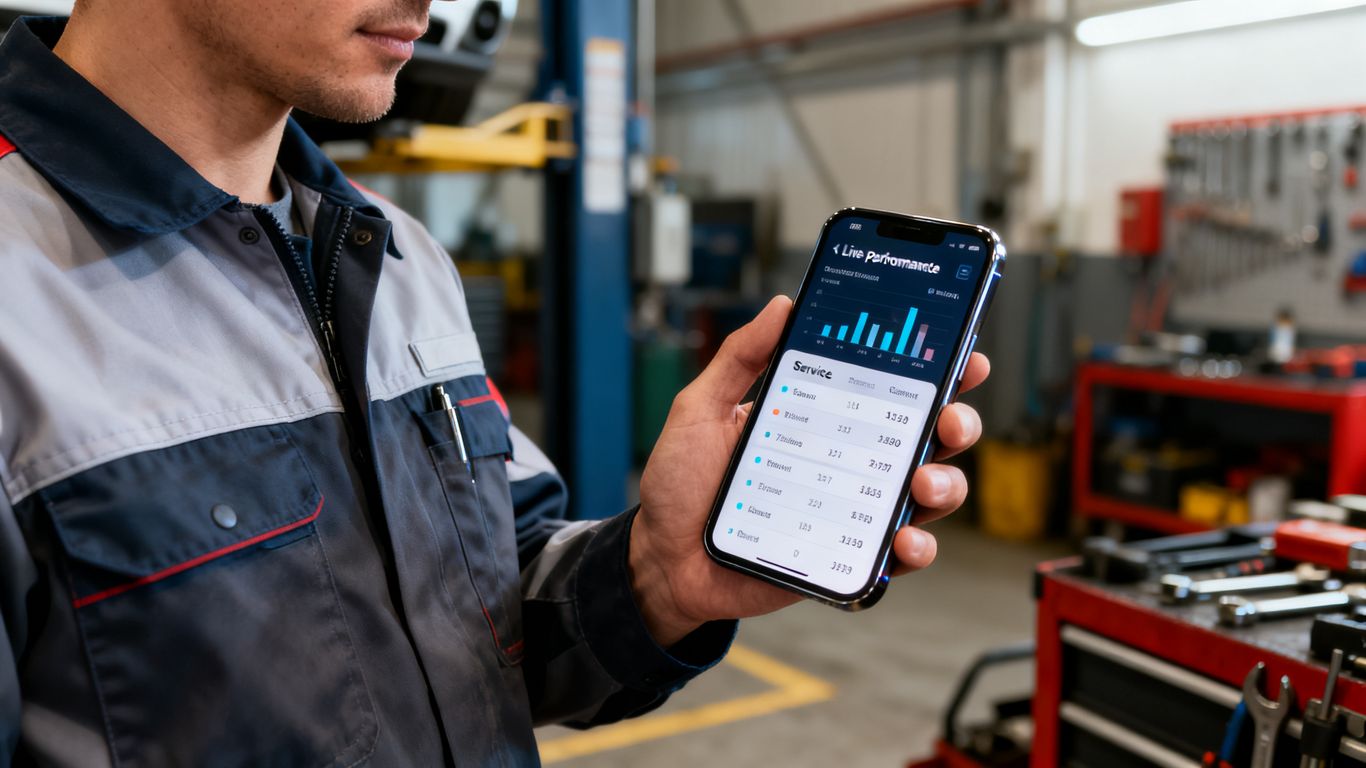
Tracking key performance indicators for field performance
Performance metrics provide a objective view of how many jobs occur daily and how long they take to complete. These indicators are the first step in diagnosing if a team is meeting its internal goals and industry standards.
Analyzing technician productivity metrics
Understanding which technicians are performing efficiently helps in recognizing expertise while also highlighting where additional training might be required. These metrics offer a balanced view of individual contributions to company goals.
Forecasting service demand and labor capacity
Data-driven forecasting allows companies to prepare for peak seasons before they arrive. By observing patterns, managers can decide when it makes sense to increase their workforce to handle upcoming lulls or surges in service requests.
Identifying bottlenecks in the service lifecycle
Analytics reveal where jobs seem to stall, such as at the quote approval or part procurement stage. Once these points are identified, operators can redesign their processes to keep the lifecycle moving steadily toward completion.
Selecting the right software for your business
Finding the right system is rarely about choosing the most feature-rich option available; it is about finding the tool that solves your current pain points. You should prioritize solutions that mirror the workflows you already use while filling in the gaps where manual processes usually fail.
Evaluating integration capabilities with existing CRM or ERP tools
Software that communicates with your existing tools saves massive amounts of time by ensuring data synchronization across departments. Systems that integrate cleanly reduce the likelihood of human error during data entry.
Assessing ease of use and mobile interface design
Technicians working in the field do not have time for complex menus. A simple, mobile-first design is critical because if the staff finds the interface difficult, they will not use it, rendering the investment ineffective.
Considering scalability and cloud-based options
Growing your business is difficult without a foundation that can grow with you. A cloud-based solution ensures that your software remains accessible regardless of how many new members join the team or how many locations you open.
Understanding pricing models and implementation costs
Transparent pricing is necessary to budget effectively. Before committing, have a clear conversation with your provider about the total costs, including setup and any long-term service fees. For those specifically looking for advice on high-quality tools, reviewing Top 5 FSM software options is a helpful starting point.
Implementation strategies for a smooth transition
Transitioning to new software is a major undertaking that requires preparation and clear communication to be successful. Taking the time to map out your processes before you begin the digital rollout prevents the common pitfall of simply digitizing an inefficient workflow.
Defining business processes before digital transformation
Audit your existing workflows to see exactly where you hold up the process today. Once you identify these gaps, you can align your new software settings to enforce the process changes you need, rather than just copying old, broken habits.
Managing change and training for field technicians
When announcing the shift, highlight the personal benefits to technicians, such as less time spent on paperwork and clearer instructions. Providing direct, hands-on training ensures that no member feels left behind during the transition.
Migrating historical data from legacy systems
Clearing out old, redundant data before migration is a wise strategy. By migrating only the relevant client and asset history, you ensure a clean start, enabling the new system to perform at its best from the first day.
Testing workflows in a controlled environment
Before launching to the entire staff, run a pilot test with a few confident team members. This allows you to uncover usability hurdles and adjust the settings to ensure that the actual rollout goes as smoothly as possible for the broader team.
Conclusion
Adopting field service management software is a transformative step for any service company looking to increase responsiveness and drive growth. By prioritizing clear scheduling, automated dispatching, and strong data analytics, you create a service operation that is both reliable for your customers and sustainable for your staff. With the right system in place, teams can move past manual headaches and focus on growing their core skills while reducing service friction across the board.
Frequently Asked Questions
How long does it typically take to learn FSM software?
Most teams with basic tech familiarity can begin using the core features within a few days, provided the setup is intuitive and they undergo proper orientation. The duration depends heavily on the complexity of the features you choose to deploy at the start.
Can FSM software work without an internet connection?
Many modern systems offer offline modes that allow technicians to save their work locally, which then syncs to the server automatically once the device reconnects to a stable signal. This ensures that remote sites do not prevent your team from gathering required job data.
Are these tools only for large-scale operations?
No, because these platforms are designed to address the challenges of any business with mobile components. Even small teams benefit significantly from the professionalization of dispatch and invoicing that these systems provide.
Will this software replace human dispatchers?
It is meant to support and empower dispatchers rather than replace them entirely. By automating the technical scheduling, it allows humans to spend their energy on solving complex customer problems and managing relationships instead of simple logistics.
What happens to my old data during migration?
Most reliable software packages provide migration services or export templates that simplify the transfer of client information. Ensuring your company cleans these legacy lists before migration is the best way to keep your new database functioning efficiently.
Does FSM software integrate with accounting platforms?
Many, if not most, industry-standard systems offer direct integrations with common accounting tools to ensure invoices are generated and paid without manual account reconciliation occurring in the back office.
Should I prioritize features or ease of use?
Ease of use should always take precedence, as a feature-rich tool is only valuable if your staff actually adopts it. Start with software that covers your must-have processes cleanly, and then scale up the complexity only as your team gains proficiency.