When a Jobber alternative makes sense
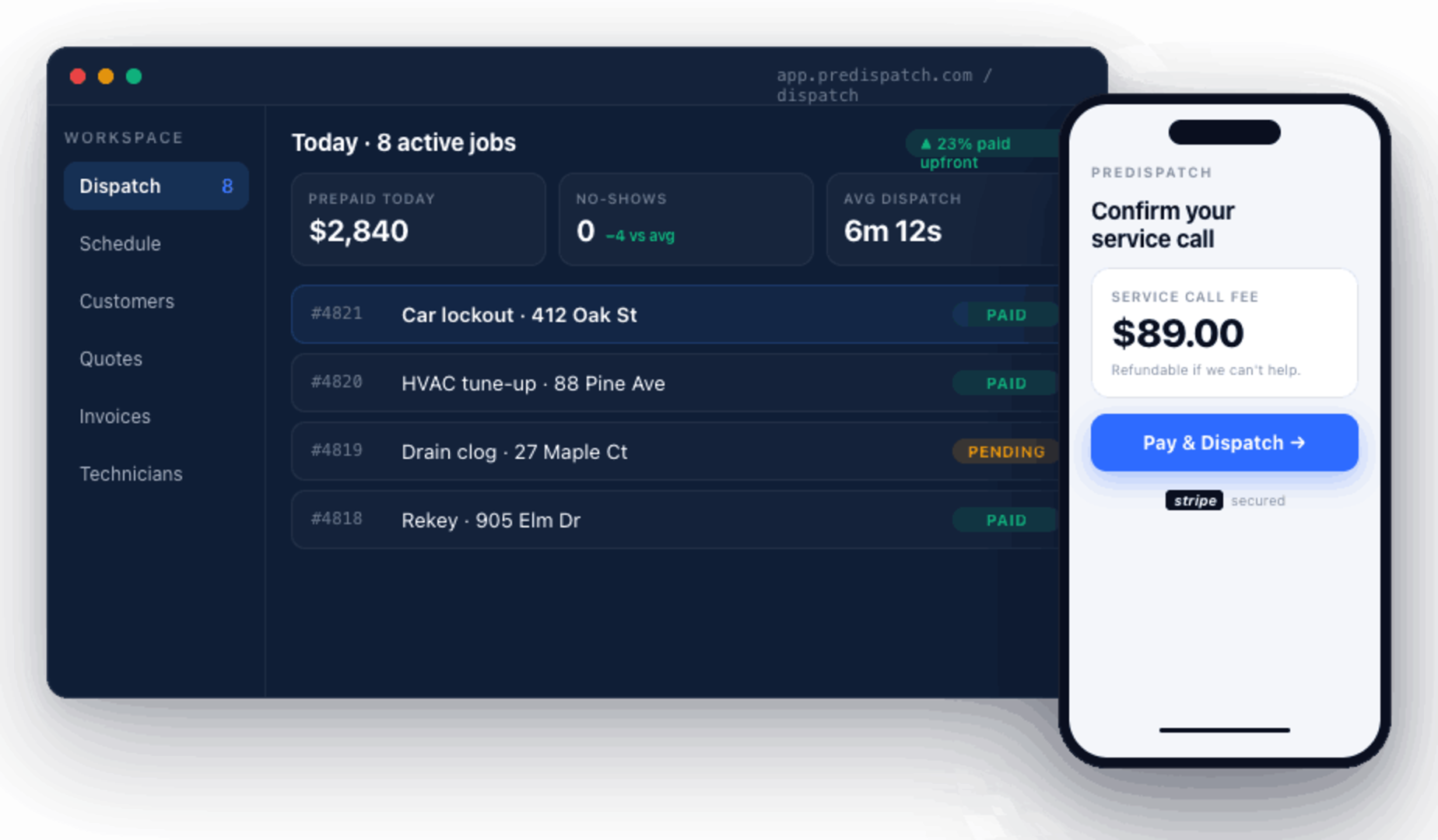
Jobber's own site lists quoting, scheduling, invoicing, and online booking among its features. If most of your work is scheduled and recurring, it may already fit. Teams start looking for a Jobber alternative when their day is full of urgent calls: the customer calls three companies, your tech drives out, and the customer cancels before the truck arrives. PreDispatch flips the order. The service-call fee is paid first, then the tech is dispatched, so shoppers drop out before anyone leaves the shop.
How PreDispatch handles a service call, step by step
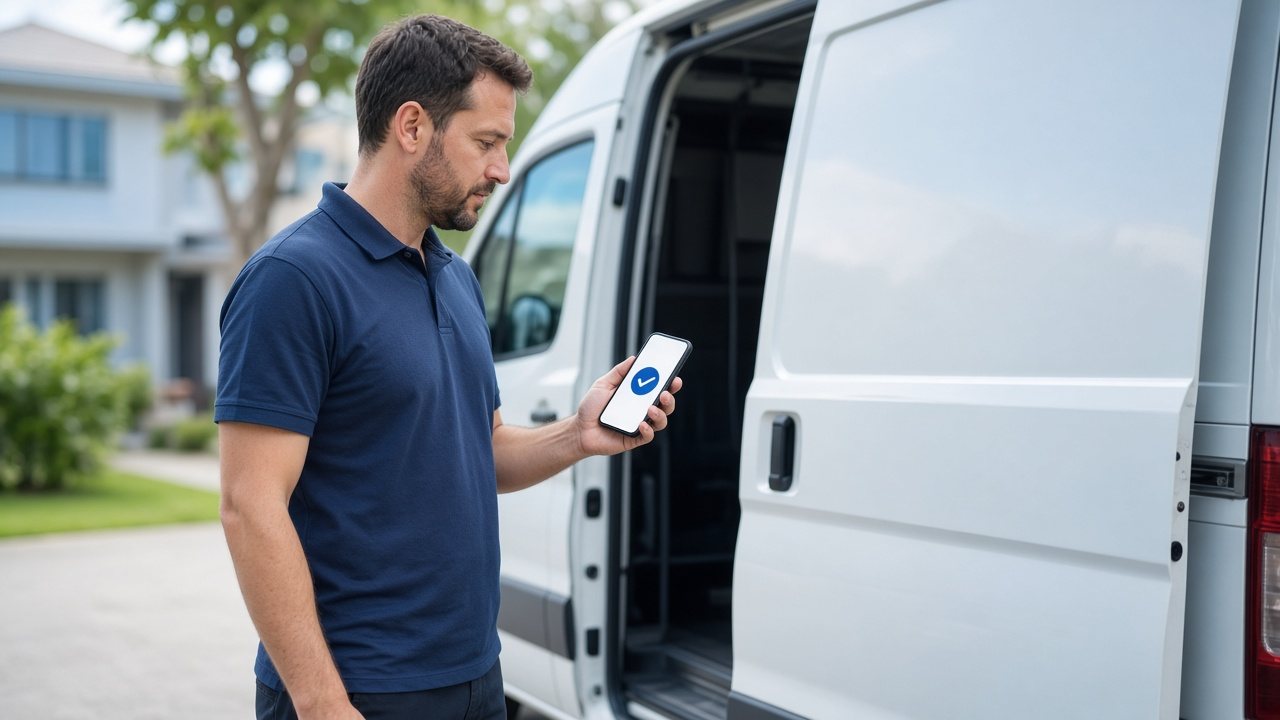
With PreDispatch, every lockout, tow, no-start, no-heat, leak, garage door, appliance, or electrical call gets a Stripe payment link by text and email, and your tech rolls only after the service-call fee clears. Dispatchers see paid jobs on one board, techs get the address and prepaid amount in the app, and owners keep the day filled with callers who already paid. See the full flow on how PreDispatch works.
- The customer calls or books online
Lockout, tow, no-start, no-heat, leak, garage door, appliance, or electrical job. - Send a prepaid link
PreDispatch texts and emails a Stripe-secured payment link for your service-call fee or deposit. - The fee clears and your tech is dispatched
The job lands in the tech’s app with address, prepaid amount, notes, and navigation. Then the customer signs, labor is billed in-app, and payout goes to your bank.
Illustrative Example
A $45 service-call fee paid by link before the tech rolls.
Example (illustrative): the $45 service-call fee is paid by link, the job shows “Customer verified, Ready to dispatch,” and the technician gets the ticket with payment status already confirmed.